
EV Light Shows

Turn Any Song Into a Tesla Light Show

Upload your music, our AI creates a perfectly synchronized custom light show for your Tesla. Works with Model S, 3, X, Y, and Cybertruck.

Turn your music into

EV Light Shows

Upload any song. Our AI maps every beat, drop, and detail to a custom light show for your Tesla.

AI Music Analysis

Smart & Accurate

Tesla Compatible

Designed for Light Show vehicles

Fast & Secure

Your Privacy Matters
Sign up free — get a 20-second snippet to try on your Tesla
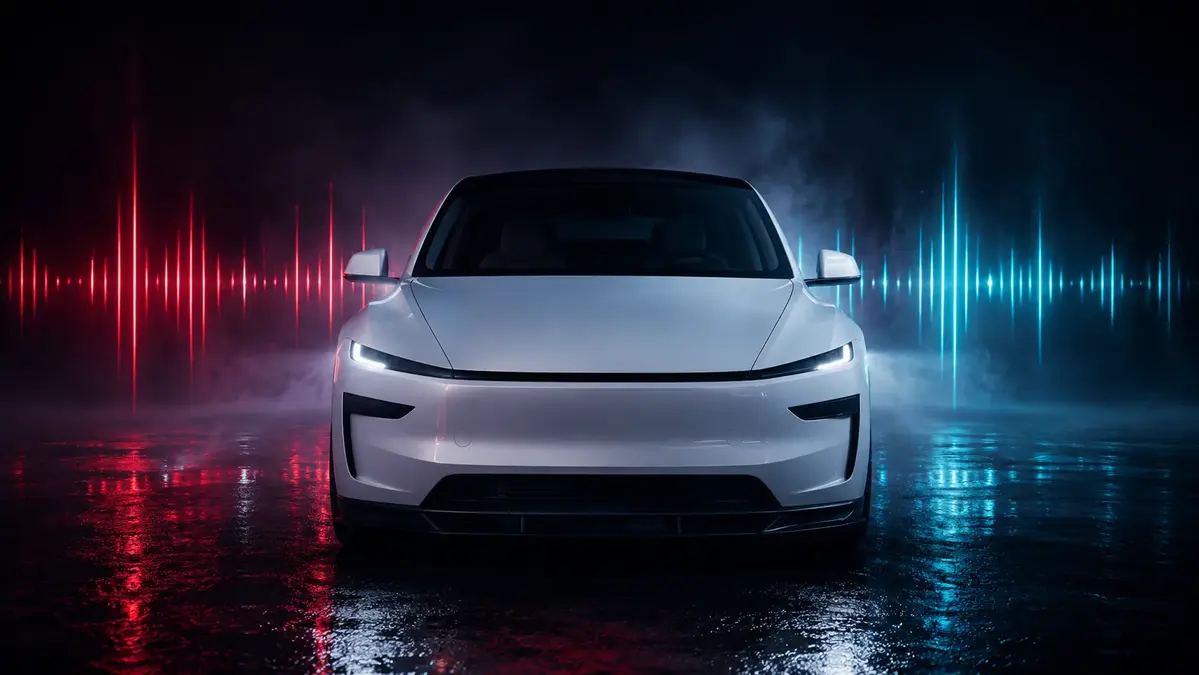
Tesla Model Y front view with red and cyan light show effects

Step 1 — Upload Your Song

Drag & drop your MP3 or WAV file here

or click to browse (up to 4 hours supported)

MP3, WAV, 44.1 kHzUp to 4 hours200-Channel FSEQ

Step 2 — Your Vehicle

Standard Model 3 — all lights, no Falcon wings.

Step 3 — Color Theme

Each rendition picks its own colors to match its style — rainbow drifts, red bass pumps, amber-to-ice fades.

Step 4 — Articulation

Movement Timing

Movements land right where the song hits hardest.

Upload a song to begin.

You'll need a computer to copy the files onto a USB drive for your car.

1 Credit per show • .fseq format

How to use your show

1

Prepare USB

Format as exFAT, FAT32, or MS-DOS FAT. No TeslaCam or firmware files.

2

Copy Show

Download .zip, unzip it. You'll get a LightShow folder with .fseq + audio.

3

Plug In & Play

Insert into your Tesla USB port. Toybox > Light Show > Schedule Show.

4

Multiple Shows

Rename each pair (bass.fseq + bass.mp3) inside the same LightShow folder.

The details

Supported Vehicles

Model S (2021+), Model 3, Model 3 Highland, Model Y, Model Y Juniper, Model X (2021+), Cybertruck

Audio Format

MP3 or WAV, 44.1 kHz. 48 kHz drifts. Shows up to 4 hours.

Command Limits

Thermal limits enforced automatically. Designed for Tesla-compatible Light Show file structure.

How It Works

Upload Your Song

Drop any MP3 or audio file into our generator. We analyze the beat, tempo, and energy.

AI Generates Your Show

Our engine creates a fully synchronized 200-channel light sequence matched to your music.

Download & Play

Get your .fseq file, copy to a USB drive, and activate your Tesla light show.

Works With All Tesla Models

Frequently Asked Questions

What is a Tesla light show?

A Tesla light show is a custom sequence that controls your vehicle's exterior lights, trunk, doors, and charge port in sync with music. It uses .fseq files loaded from a USB drive.

Which Tesla models support light shows?

Model 3, Model Y, and Cybertruck support custom light shows, as do Model S and Model X from 2021 onward. Your vehicle needs software version 2021.44.25 or later.

How do I play a light show on my Tesla?

Copy the .fseq file and matching audio to a USB drive, insert it into your Tesla, go to Toybox > Light Show, and select your custom show.

Is this service affiliated with Tesla?

No. EVLightShows.com is an independent service. We are not affiliated with, endorsed by, or sponsored by Tesla, Inc.

Independent Service Notice

EVLightShows.com is an independent digital service that creates custom light show files intended for compatible Tesla vehicles that support the Light Show feature. EVLightShows.com is not affiliated with, endorsed by, sponsored by, or approved by Tesla, Inc. References to Tesla and Tesla vehicle names are used only to describe compatibility and intended file use.